SIGNAL Touch · Internal alpha
Use your iPhone or iPad as a Mac trackpad.
SIGNAL Touch is a control surface for iPhone and iPad. It can share the screen with other apps on iPad and iPhone Duo. The free Mac companion receives gestures while SIGNAL Touch is active.
Mac agent only · iPhone and iPad app requires a separate TestFlight invitation · Version 1.0.0 · Apple notarized · Apple Silicon · macOS 14 or later

Get started
Two apps, one connection.
- Install on iPhone or iPad. Accept your private SIGNAL Touch TestFlight invitation and install the app. The Mac download alone does not control anything.
- Install on Mac. Open the DMG, drag
SignalTouchMac.appto Applications, and open it. Grant Accessibility in macOS System Settings. - Pair. Start Receiver on the Mac. In SIGNAL Touch, choose Wi-Fi, Bluetooth, or USB network, select the Mac, and enter the displayed six-digit code.
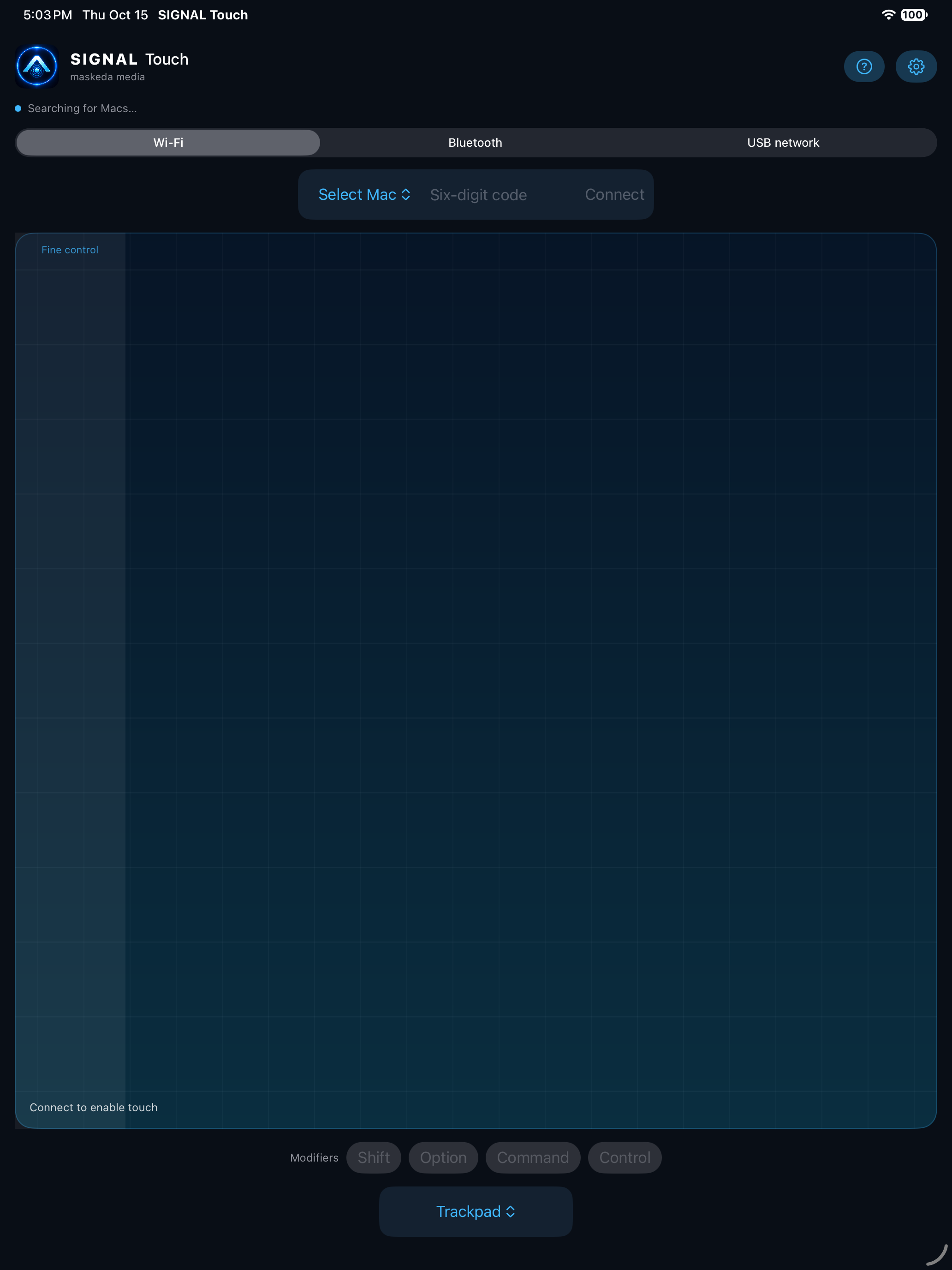
iPad preview
A touch surface that fits your workspace.
The interface follows the device’s light or dark appearance. These are iPad Simulator captures; physical gesture and connector testing is still in progress.

Alpha notes
Check your connection before a session.
The app offers pointer movement, configurable taps and gestures, scrolling, and basic frontmost-app studio shortcuts. Shortcut behavior depends on the Mac app you are controlling. Use a trusted local network: Wi-Fi and USB network traffic is not encrypted in this alpha.
USB network requires a supported iOS or iPadOS network interface, such as USB-C Ethernet or USB Personal Hotspot where available. A plain USB-C cable from a Wi-Fi-only iPad to a Mac is not supported. Bluetooth uses an app-specific Low Energy connection.